
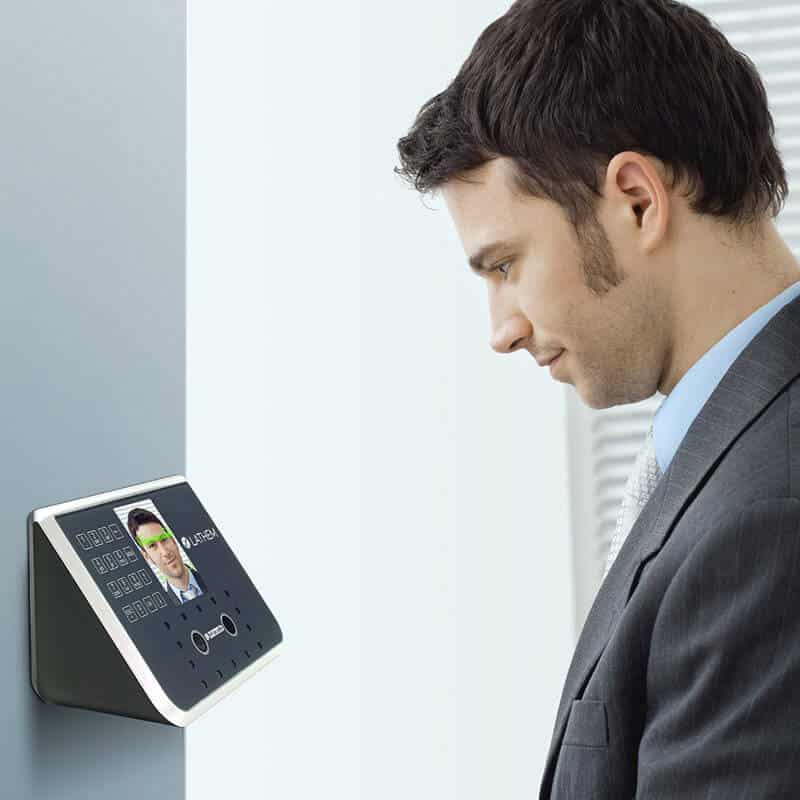
Lenvica HRMS can communicate with multiple time attendance devices from different locations. The Communicator History provides a history of communication between Lenvica HRMS and the devices.
Overview of the Communicator History
Refresh Communicator History
‘Refresh’ reloads the logs of communication attempts displayed. The update on the most recent attempt will be displayed on top of the list.
Load All
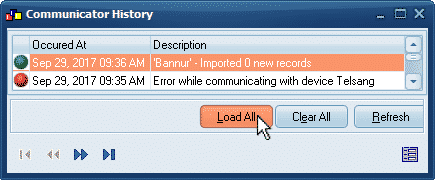
‘Load All’ to display all the communication attempts. It loads all entries from the past till current time.
Clear Communicator History
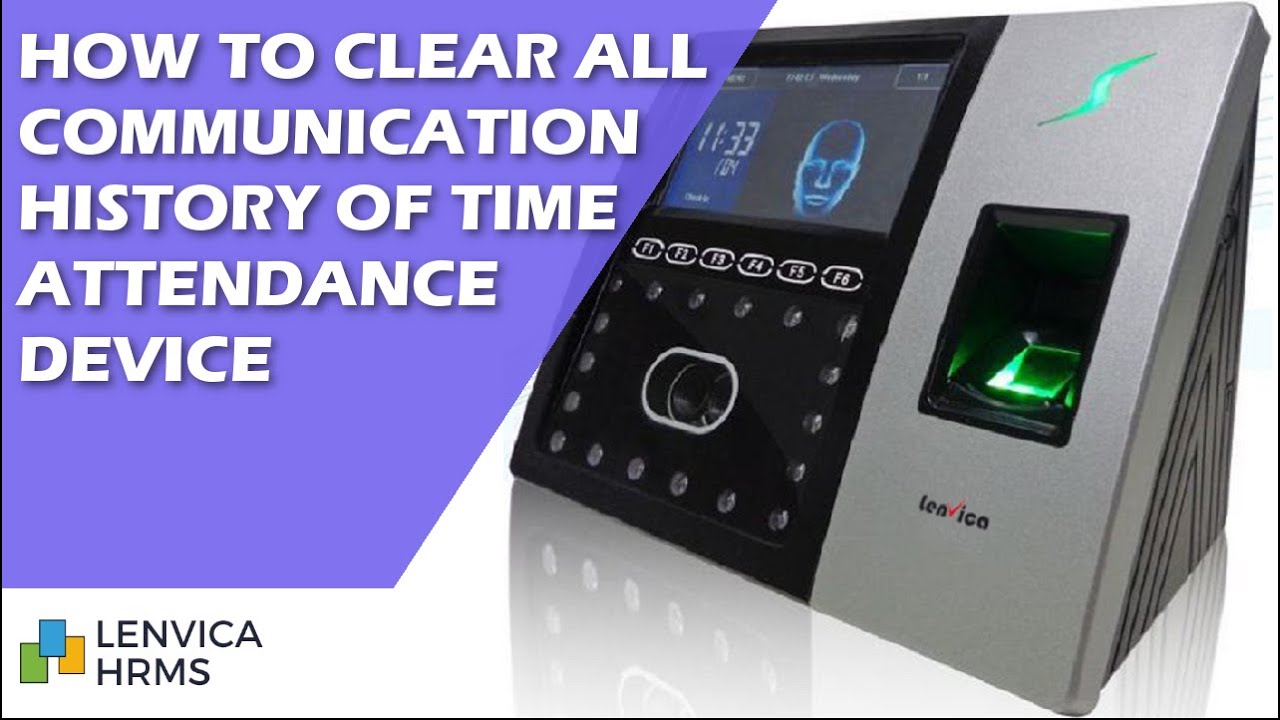
User can clear all the past communication logs appearing in communicator history using the ‘Clear’ button.
Leave A Comment
You must be logged in to post a comment.